Latest from the Blog
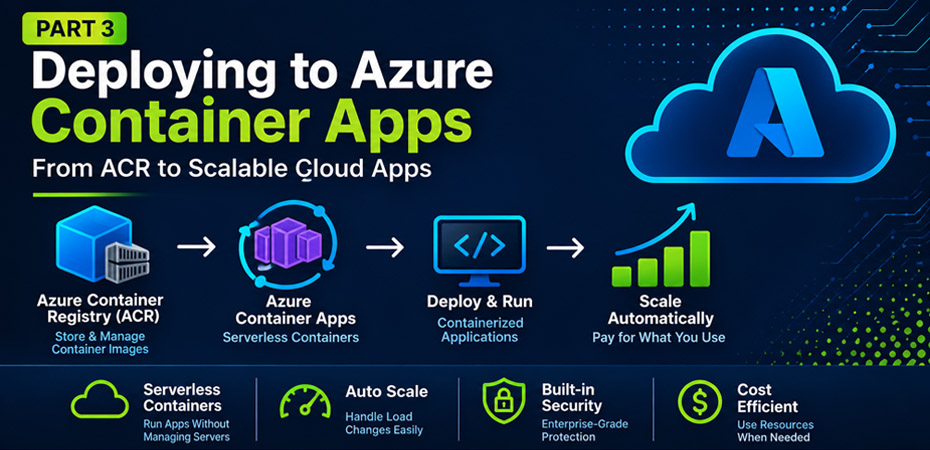
Building a Meraki MCP Server, Part 3: Deploying to Azure with ACR and Container Apps
In Part 3 of this series, the Meraki MCP server is migrated from local execution to Azure, utilizing Azure Container Registry and Azure Container Apps for storage and runtime. This transition enables the application to run independently of the local workstation, enhancing availability and scalability while setting the stage for future security enhancements in Part…
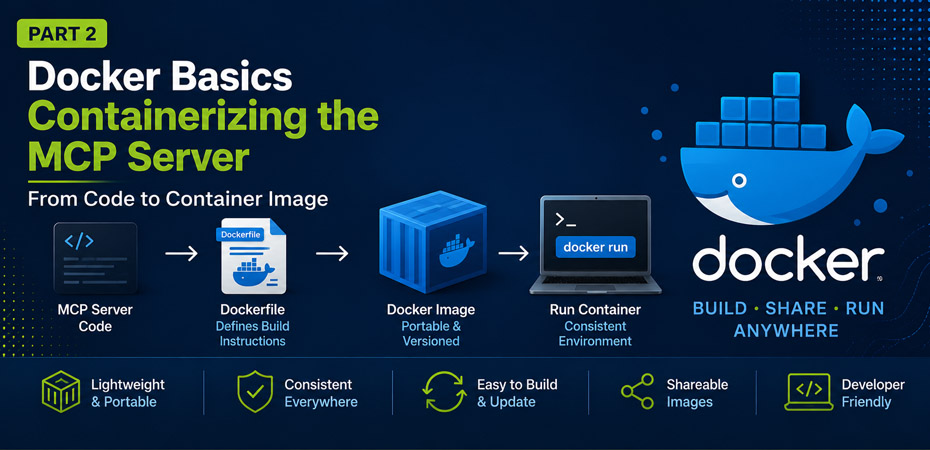
Building a Meraki MCP Server, Part 2: Containerizing with Docker
In Part 2 of the series, the Meraki MCP server is containerized using Docker on a Windows workstation. This process involves changing the architecture from a local application dependent on a specific machine to a network-reachable service. The article covers the installation of Docker, configuration, environment variables, and troubleshooting common issues, preparing the application for…
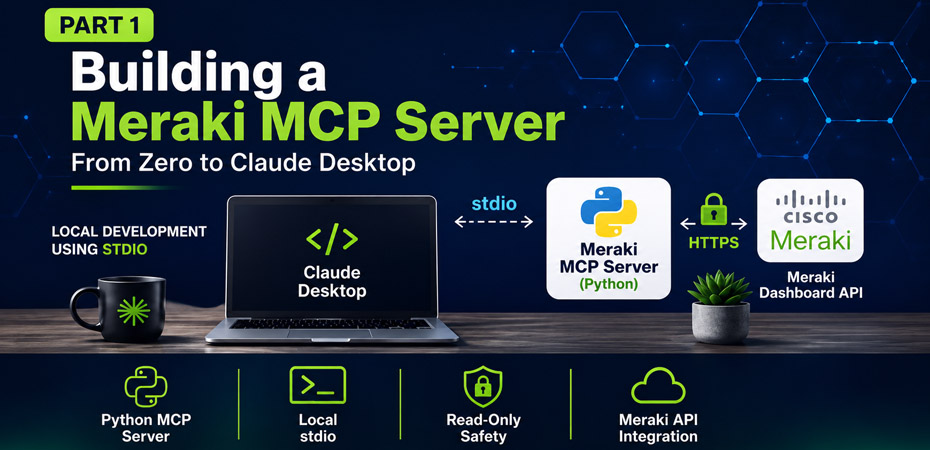
Building a Meraki MCP Server, Part 1: From Zero to Claude Desktop
The content outlines the creation of a Model Context Protocol (MCP) platform using Cisco Meraki as an example. It walks through building a local Python MCP server that communicates with Claude Desktop, covering essential steps from setup to configuration. Future parts will enhance this system by integrating Docker, Azure, and other technologies for a robust…
Add Entra MFA to VPN with RADIUS Server
Summary This post will describe the steps for integrating Meraki Client VPN with Microsoft Entra ID multi-factor authentication (MFA). To enable MFA on a Meraki VPN connection, we will walk through setting up a Network Policy Server (NPS), configuring Remote Authentication Dial-in User Service (RADIUS) policies, and adding the NPS extensions for Azure. The NPS…

Create a Desktop Shortcut with Group Policy Management
In this post, we will work on creating a desktop shortcut with Group Policy. For this example, we will just create a GPO in the root domain. Launch Group Policy Management on Windows Server Right click the domain and select Create a GPO in this domain, and Link it here… Give the new Group Policy…
Use Conditional Access Policies to Block the Azure Portal for Non-Admin Users
By default, Microsoft does not restrict access to the Azure Portal for non-admin user accounts. That means all data about your organization including user details, group details, device details, and user account privileges is available to anyone in your organization. This also includes guests and vendors that have an Azure AD user account. In this…
Create Microsoft 365 Cloud Policies
Microsoft released an update on April 28th in the Message Center stating web links in the Outlook for Windows app would begin opening with the Microsoft Edge browser, regardless of pre-configured settings your organization has set for default browser. It’s important to note, this does not change your default browser, it will only change how…
Rebuilding Hyper-V Virtual Switch
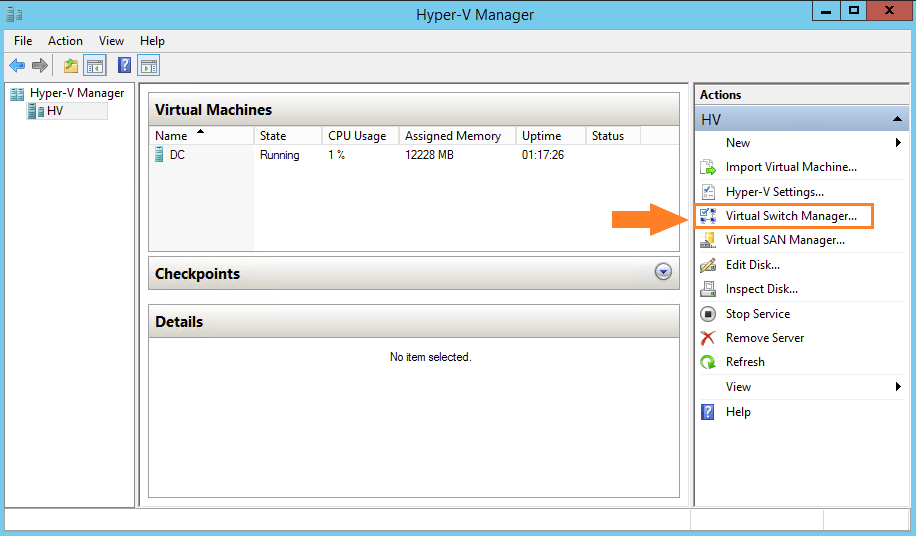
In this quick post, I will walk through the steps for rebuilding a failed Hyper-V virtual switch. I was unable to remote into or even ping one of our domain controllers. Once I logged into the hypervisor, I noticed the virtual switch the virtual machine was configured to use had a limited internet connection. After…
Setup OneDrive Sync to SharePoint Online Site
I was recently asked by a department to setup a daily sync of an on-premises file share to a SharePoint Online site. My first thought was, why not just use the SharePoint site one hundred percent of the time and eliminate any future sync issues from the on-premises file share. Long story short, there is…
Assign Office 365 Licenses to Multiples Users with PowerShell
We are all familiar with assigning licenses through the 365 admin portal for a single user, but what do we do when we need to assign licenses for dozens, or even hundreds of users? One of the ways we can achieve this is through PowerShell. In this post, I will describe how to look up…
Add Send on Behalf Permissions for Bulk Users with PowerShell
I was recently tasked with adding Send on Behalf permissions to a large group of users. I thought this would be a great time to brush up on some PowerShell skills and document the process. First, we need to create a CSV of all the User Principal Names to add to the script. We will…
Link Cloud Mailbox with On-Premises User
When dealing with a hybrid Exchange environment, the normal process of creating mailboxes is to create the user account with Active Directory Users and Computers (ADUC), create the mailbox in Exchange Server, sync to the cloud, add a license, then finally migrate the mailbox with Exchange Online Admin Center. I recently created a shared mailbox…
Azure Deny Assignments
In this post, we will be discussing Azure Deny Assignments. A deny assignment adds a collection of deny actions to a user, group, or service principal at a certain scope for the purpose of denying access. Deny assignments prevent users from performing certain Azure actions even if a role assignment has already permitted access. Azure…
Delete an Email from Single User or All User Mailboxes
In this post, we will outline the steps needed to delete an email message from a single or all user mailboxes. Imagine an email is sent to the wrong group of users containing the pay rate of another employee. We can use the Content Search option in the 365 Compliance Portal but this will only…
Creating Custom Attributes in Active Directory
This will be a quick post outlining the steps needed to extend the AD schema in order to create custom attributes. This will require Schema Administrator or Enterprise Administrator rights. The Schema Master holder DC will also need to be online and available. Let’s get started. Launch an elevated Command Prompt, type the following and…
PowerShell – Validate and Install Application If Not Present
In this post we will use if else statements in PowerShell to validate that an application is not currently installed and then proceed to install it. There are many ways to prove that an application already exists on a device. I will be using the application’s registry key. Let’s get started. You can use Get-Item…
Get User Principal Name from Email Address
I was tasked with adding hundreds of new members to a distribution list. Normally, this would be as easy as copying/pasting the user logon names (ex: user) or the UserPrincipalName or UPN (ex: user@domain.com) and running Check Names in Active Directory. Unfortunately, the only identifier that was provided to me was the email address. Like…
Excel – Creating Drop-Down List from Another Sheet
In this post, I will show you how to create a drop-down list from a dynamic table located on another sheet within the same workbook. I came across this particular subject when wanting to create a PowerShell script to assign 365 licenses to users from a CSV. The CSV would of course need to contain…
Remove Automapping for Mailbox in Outlook for Microsoft 365
Autodiscover automatically maps a mailbox for which a user has full access permissions. This can cause performance issues when opening Outlook depending on the mailbox size. If you want to grant full access to a mailbox but don’t want the mailbox to automap, you can use PowerShell to achieve this. First, to check who currently…

Create an Azure AD Connect Sync Script
This post will be short and sweet. I will show you how to create a simple script that will run the Azure AD Connect Sync service. The AAD Connect Sync service runs every 30 minutes but if you don’t want to wait for that, try saving the PowerShell script below. Write-Host -fore Green “Starting Azure…
Enable Exchange Online External Sender Identification
Up until now, you have probably been using Transport Rules to prepend the subject line of messages received from outside your organization with the word EXTERNAL. This has worked fine in the past but with every reply, another EXTERNAL is added to the subject line. This can cause an extremely long subject line and can…
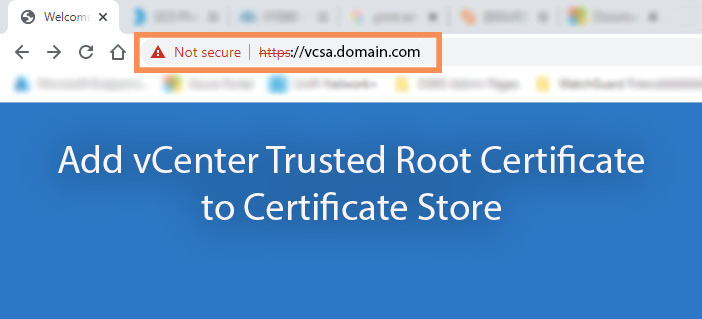
Add vCenter Trusted Root Certificate to Certificate Store
When you go to your vSphere Client on your web browser, you may notice the following messages below: Your connection to this site is not secure This connection is untrusted The connection is not private There is a problem with this website’s security certificate There are other messages you may be seeing, but the resolution…
Recover Deleted Items in Exchange Admin Center
I was recently asked to recover deleted items from a former employees mailbox. When I went to the Exchange Admin Center I noticed the Recover Deleted Items option for the mailbox was greyed out. We need to grant ourselves the appropriate permissions in order to recover deleted items. These permissions are not handed out to…
Backup ESXi Configurations
In this quick post, we will outline how to take a configuration backup of your ESXi hosts. We will be performing the task using a SSH terminal. I’ll be using Putty, but you can use your terminal of choice. Backup Config The first thing we need to do is enable SSH on the host. Click…
Disable User in Microsoft 365 Admin Center
This post will show you how to disable a user with Microsoft 365 Admin Center. If you’re used to working in Active Directory, you are most likely familiar with simply right clicking a user account and choosing Disable. In Microsoft 365, this is actually called “Block sign-in”. So, let’s navigate to the Admin Center and…
Removing OWA Signature for Multiple Users with PowerShell
In this post, we will discuss removing email signatures in Outlook Web App for single and multiple users with PowerShell. We are moving to a signature management provider and need to remove email signatures from all Exchange online mailboxes in the organization. Let’s jump into it. Install PowerShell Module First, we will need to install…
Set Microsoft 365 Group Calendar Member Permissions to Read Only
In this post, we will discuss setting member permissions of a group calendar to read only. Setting the member permissions to read only will not affect owners of the group calendar. First, we will need to install the Exchange Online PowerShell v2 (EXO V2) module. Type the below into PowerShell. Install-Module ExchangeOnline Next, we need…
Migrate Azure VM to VMware with StarWind V2V Converter
StarWind V2V Converter allows for converting virtual machines to and from several architectures. In this post, we will be covering how to convert an Azure VM to a VMware environment. First, you will need to install StarWind V2V Converter. You can download it here. Create Azure Application We need to register a new application within…
SCCM Software Center Uninstall and Reinstall with PowerShell
There may come a time where you need to uninstall or reinstall Software Center, whether it be for troubleshooting purposes or just setting up a new system. If you’re like me, you’ve found that it is not a simple process. The two PowerShell scripts below are all you need to accomplish both tasks. Uninstall The…
Allow Embedding Content To SharePoint Pages
One of our SharePoint contributors wanted to embed web content into a SharePoint site but was coming across the following permissions issue: “Embedding content from this website isn’t allowed.” As site collection administrators, we have access to allow or disallow embedding content from external sites. Navigate to the SharePoint Admin Center and click on Active…

